
How to Clean Acrylic Display Case Surfaces
Wipe with a soft cloth and mild detergent, then dry. Skip glass cleaner, alcohol, ammonia and paper towels: they cloud, craze or scratch acrylic.
Need this made?Custom acrylic display cases →
Key Takeaways
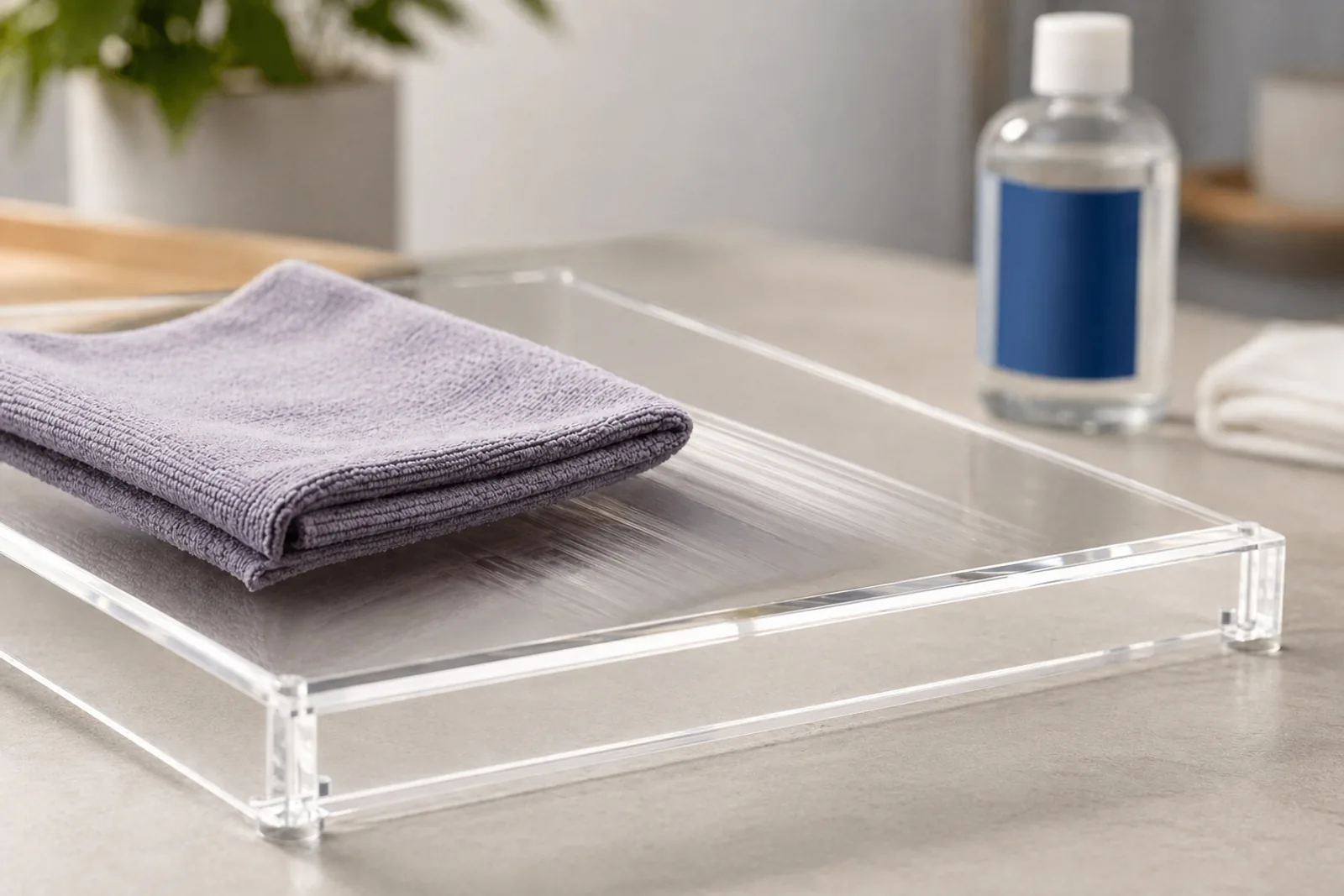
- Clean acrylic with a soft cloth and a mild detergent solution, then dry with a second clean soft cloth. That is the whole routine.
- Do not use Windex or other window cleaners, alcohol, ammonia, abrasive powders or pads. They can cloud, scratch or craze acrylic.
- Acrylic is never dishwasher-safe: heat and strong detergent can craze and warp it.
- Fine hairline scratches can sometimes be polished; deep scratches, cracks and crazing cannot be cleaned away and need a replacement part.
- If you sell acrylic products, print this care method on the care card and test any required sanitizer on the approved sample before rollout.
On this page
How to Clean Acrylic Display Case Surfaces
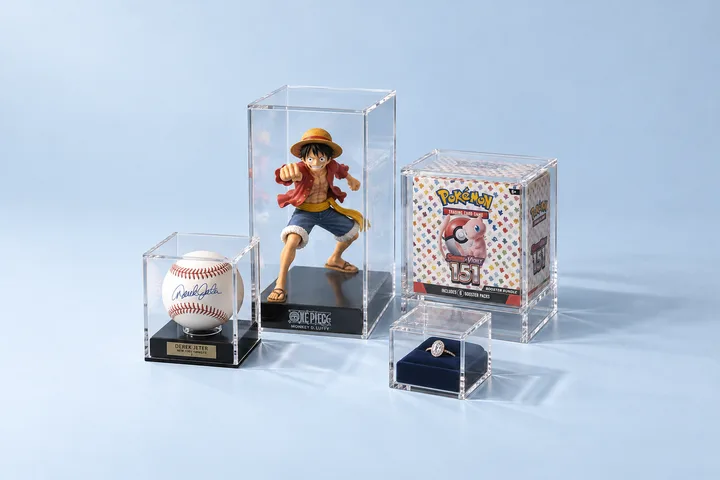
Here is how to clean acrylic display case surfaces: lift off loose dust, wipe with a soft microfiber cloth dampened in water with a few drops of mild dish detergent, then blot dry with a second clean soft cloth. Do not use Windex or other glass cleaners, alcohol, ammonia, paper towels or abrasive pads; they haze, scratch or craze acrylic.
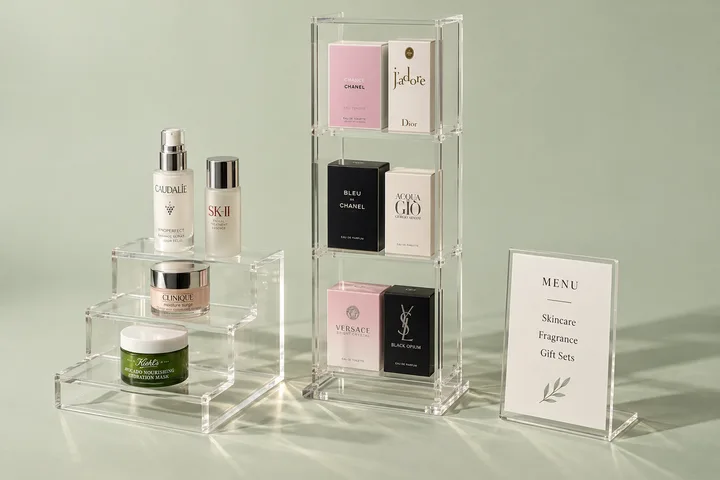
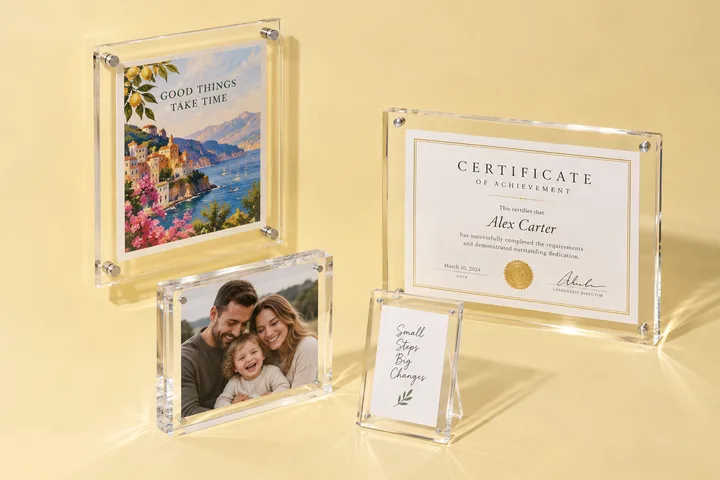
This is the same care method we give buyers of our custom acrylic display cases, and it works for stands, risers, sign holders and frames too.
| Do | Don’t |
|---|---|
| Soft microfiber cloth | Paper towels, rough rags, scouring pads |
| Water plus a little mild dish detergent | Windex and other window or glass cleaners |
| Apply liquid to the cloth, not the case | Alcohol, ammonia, acetone or other solvents |
| Wipe in straight lines, light pressure | Circular scrubbing on grit |
| Blot dry with a clean soft cloth | The dishwasher, for any acrylic item |
Can You Use Windex on Acrylic?
No. Windex and other window cleaners are made for glass, and cleaners containing ammonia or alcohol can cloud acrylic and cause crazing, a network of fine surface cracks. Röhm, the maker of PLEXIGLAS acrylic sheet, tells users to avoid window cleaners and cleaners containing alcohol1. Soap and water is safer and costs less.
If the case is sold as “plexiglass,” the same rule applies: Plexiglas is a brand name for acrylic sheet, and our plexiglass vs acrylic terminology guide explains the naming. A glass-front case is different; check which panels are glass before choosing a cleaner, and clean acrylic panels the acrylic way.
Step-by-Step Cleaning Routine
The same routine applies to countertop pieces such as acrylic sign holders, acrylic brochure holders, tabletop acrylic menu holders and stepped acrylic display risers. For food-service cases, see our bakery and pastry displays.
- Remove loose dust and grit. Blow it off or lift it with a clean, dry microfiber cloth using light pressure. Dragging grit across the face is what causes most fine scratches.
- Wipe with mild detergent solution. Dampen a soft cloth with water and a few drops of dish detergent. Wipe in straight lines, inside and outside the case.
- Rinse the soap off. Wipe again with a cloth dampened in clean water so no soap film is left.
- Blot dry. Use a second clean, soft cloth. Röhm advises against rubbing acrylic completely dry because hard dry rubbing charges the surface and attracts dust1.
- Check before you close the case. Look along the edges, joints, printed areas and hinges for haze, cracks or lifting print.
Acrylic builds up static during cleaning, which pulls dust back onto the surface2. An antistatic plastic cleaner labeled for acrylic reduces this on busy counters. Keep display cloths separate from shop rags, and wash them without fabric softener.
Removing Stains, Residue and Sticker Adhesive
Start with the mild-detergent method for every stain. If residue remains, repeat it with a little more contact time rather than switching to a stronger chemical, and stop if the surface changes.
- Fingerprints, skin oil and cosmetics: mild detergent solution usually removes them in one or two passes.
- Food and drink residue: soften with a damp cloth, then clean with detergent solution and rinse.
- Water spots: clean with detergent solution and dry promptly; hard-water spots come off more easily when fresh.
- Sticker and label adhesive: do not use household solvent removers. Soften with warm soapy water and roll the adhesive off with a fingertip, or ask the label supplier for a method that is safe on acrylic.
- Permanent marker or ink: do not reach for alcohol or acetone. Try the detergent method; if it stays, treat it as damage and ask the fabricator.
Scratches, Haze and Cracks
Very shallow scratches can be removed with fine abrasives, but the Canadian Conservation Institute suggests weighing the cost of a polishing kit and labor against replacing the item2. On a display, fine hairlines near the center of a panel may polish out; scratches that catch a fingernail, or sit near print, joints or edges, usually do not.
Crazing and cracks are structural, not dirt. No cleaner removes them. Crazing after cleaning is a sign that the wrong chemical was used; switch every location to the mild-detergent method before more panels are affected. How an edge was finished also affects how it looks after years of cleaning; our diamond vs flame polishing guide explains the difference.
If a case sits in sunlight, yellowing and fading of contents are separate issues from cleaning. Our acrylic frame UV yellowing care guide covers light exposure.
Plexiglass Maintenance Products: What You Actually Need
Routine plexiglass maintenance needs very little: soft microfiber cloths, mild dish detergent and clean water. An antistatic plastic cleaner labeled for acrylic is useful on dusty counters. Everything else in the table below either needs caution or should stay away from acrylic.
| Product or tool | Use on acrylic? |
|---|---|
| Soft microfiber cloth | Yes, keep separate from shop rags |
| Mild dish detergent in water | Yes, the default cleaner |
| Antistatic plastic cleaner labeled for acrylic | Yes, if it contains no alcohol or ammonia |
| Polish made for acrylic | Only for fine scratches, tested on a hidden area first |
| Windex or other glass cleaner | No |
| Alcohol, ammonia, acetone or solvent removers | No |
| Abrasive powders, scouring pads, paper towels | No |
| Dishwasher | Never |
Care Instructions for Acrylic Products You Sell
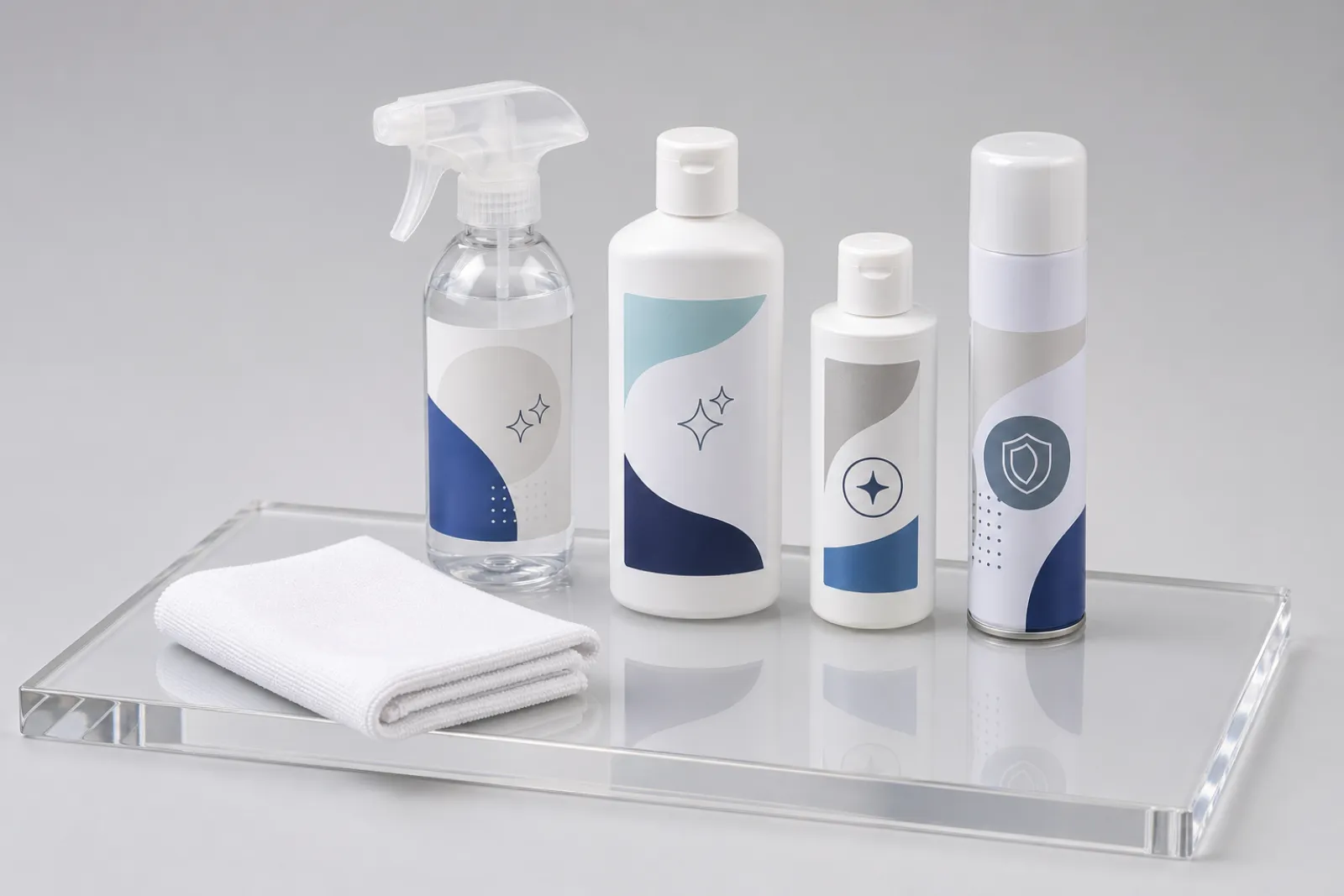
If you sell acrylic products under your brand, give customers a one-line care card: “Wipe with a soft cloth and mild soapy water, then dry. Do not use glass cleaner, alcohol, ammonia or abrasives. Not dishwasher-safe.” That wording matches how we care for acrylic in the factory.
Some programs must use a specific sanitizer, such as food service or healthcare. In that case, name the product, dilution and routine in the RFQ, and test it on the approved physical sample, including bonded joints, printed faces and hardware, before rollout. In the 192-panel salad-bar sneeze-guard program for a 32-location US chain, the buyer approved one named sanitation routine on production-representative panels before production was released. For a chain or hospitality program, put the cleaner name, dilution, cloth, contact time, rinse, drying method and test location in the approved care SOP.
Protective film and packing also affect how a display arrives. Our protective film guide covers when film is peeled, and our packing standard explains how faces are protected in transit. For acrylic tables, chairs and consoles, see how to clean custom acrylic furniture.
To order displays built for easy care, send the drawing, finish, printing, hardware and any required cleaner through our contact page. Paid samples take 3–5 days, the fee is never credited to production, and production runs 15–20 days after approval.
Footnotes
-
Röhm PLEXIGLAS — Cleaning PLEXIGLAS — manufacturer cleaning instructions: use a soft cloth with water and a little dishwashing detergent, avoid window cleaners and cleaners containing alcohol, and do not rub the sheet completely dry because it becomes electrostatically charged and attracts dust. ↩ ↩2
-
Canadian Conservation Institute — Cleaning Glass and Acrylic Display Cases (CCI Notes 1/2) — museum conservation note: household cleaners can contain abrasives that scratch acrylic and solvents that cause crazing, acrylic generates static during cleaning, and very shallow scratches can be removed with fine abrasives at a cost to weigh against replacement. ↩ ↩2
Frequently Asked Questions
Can you use Windex on acrylic?
No. Standard glass cleaners are made for glass, and window cleaners and cleaners containing alcohol or ammonia can cloud or craze acrylic. Röhm, the maker of PLEXIGLAS, lists window cleaners among the products to avoid. Use a soft cloth with water and a little mild detergent, then dry.
What's the safest cleaner for acrylic displays?
Water with a few drops of mild dish detergent, applied with a soft microfiber cloth, then dried with a second clean soft cloth. If you want a ready-made product, choose a plastic cleaner labeled for acrylic and check it contains no alcohol, ammonia or abrasives.
How to clean acrylic display case surfaces?
Lift off loose dust first, then wipe inside and outside with a soft cloth dampened in mild detergent solution, working in straight lines. Wipe off the soap with a cloth dampened in clean water and blot dry with a clean soft cloth. Apply liquid to the cloth, not straight onto the case, so it does not run into joints or onto contents.
Why is my acrylic display getting cloudy?
Usually from the wrong cleaner or cloth. Glass cleaner, alcohol and ammonia can haze or craze the surface, and dry wiping with paper towels leaves fine scratches that scatter light. Soap film can also look cloudy; wipe it off with a damp clean cloth. If haze remains after a proper clean, the surface is damaged and cleaning will not fix it.
Can I polish out scratches in an acrylic display myself?
Very fine hairline scratches can sometimes be reduced with a polish made for acrylic, tested first on a hidden area. Deeper scratches, cracks or crazing cannot be polished safely in the field, especially near printed areas, joints or edges. For a visible panel, a replacement part is often the cleaner result.
Is acrylic dishwasher safe?
No. Acrylic should never go in a dishwasher. Hot water, drying heat and strong detergent can craze, cloud or warp it. Wash acrylic items by hand with a soft cloth and mild detergent, then dry.
What plexiglass cleaning products do I need?
Soft microfiber cloths, a mild dish detergent and clean water cover routine care. An antistatic plastic cleaner labeled for acrylic helps displays attract less dust. Avoid anything with alcohol, ammonia, solvents or grit, and never use paper towels or scouring pads.
Need a quote and paid sample for an easy-care acrylic display?
Send the fixture drawing, any required cleaner or hygiene routine, finish, printing and hardware. We quote the build and a 3–5-day paid sample; the sample fee is paid separately and is never credited to production.